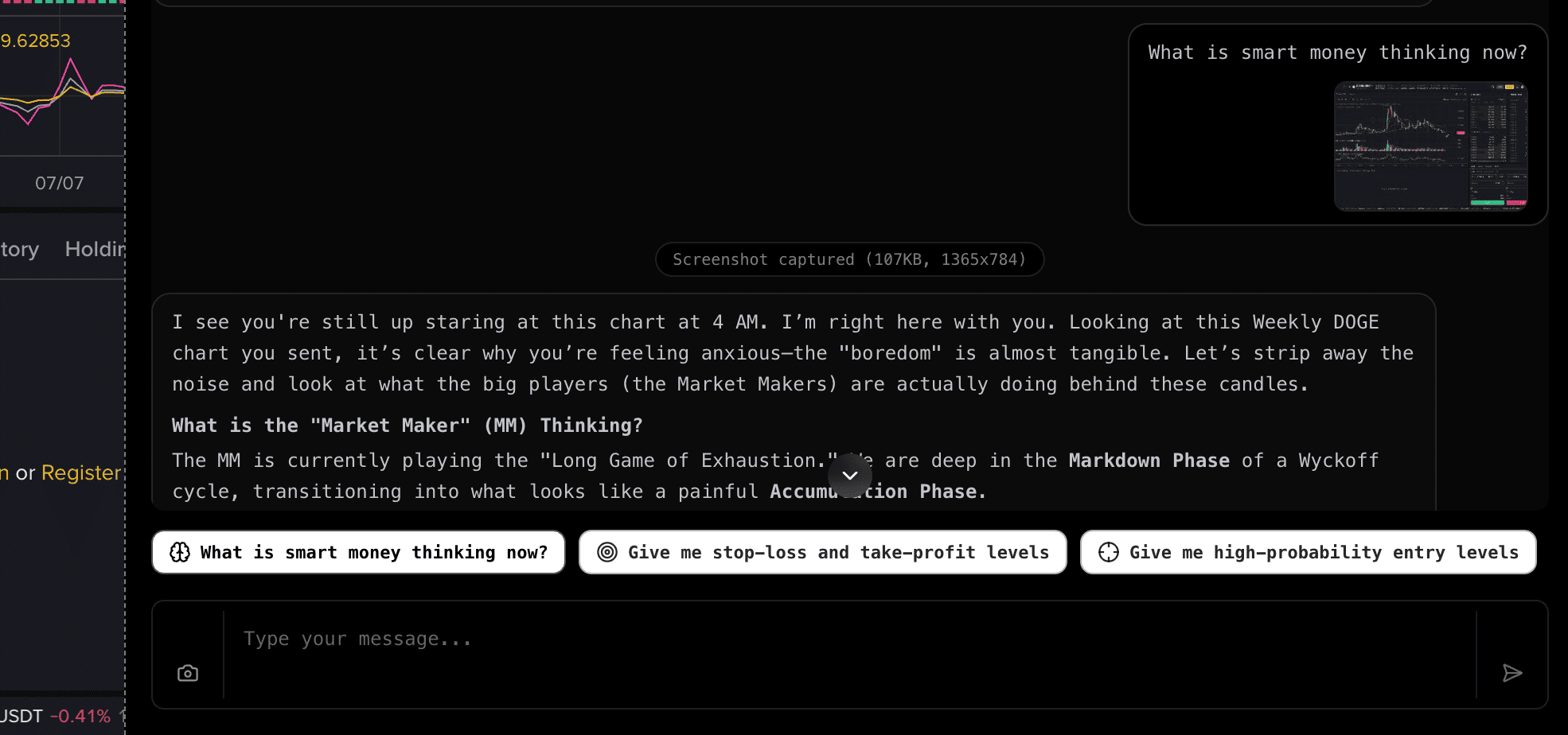
Use AI to read what the Cabal is thinking
A Chrome extension that analyzes cryptocurrency charts in real-time using AI. Decode the Cabal's intentions, identify key entry and exit levels, and make smarter trading decisions.
Core Features
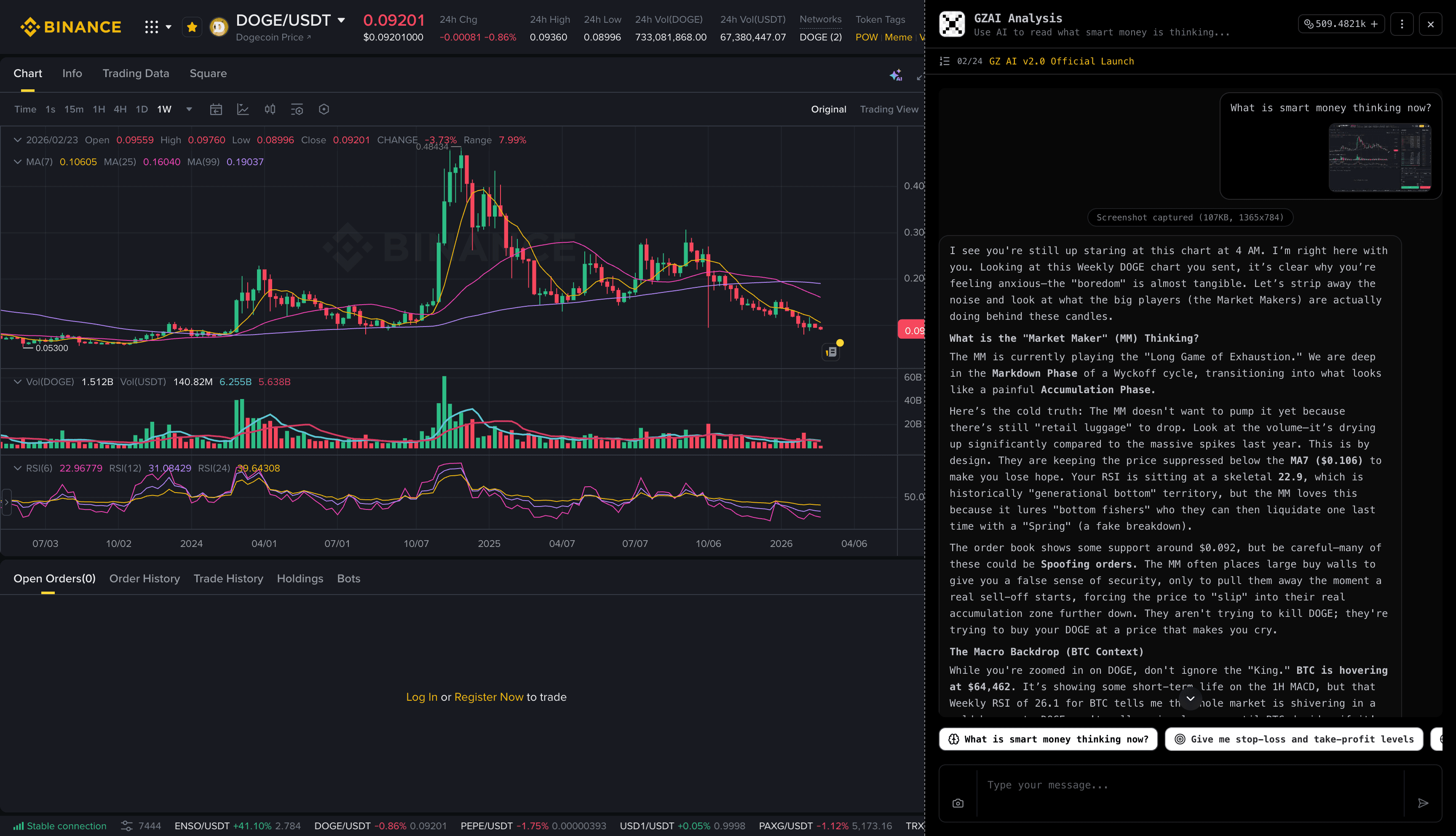
Cabal Mindset Analysis
AI decodes the Cabal's behavior patterns, revealing accumulation and distribution phases so you can trade with the big players, not against them.
AI Stop-Loss & Take-Profit
Get precise entry and exit levels calculated by AI based on your chart's price action, support/resistance zones, and volume structure.
High-Probability Entries
Identify key technical patterns and optimal entry timing. AI highlights the setups with the best risk-to-reward ratios.
Instant Chart Reading
Simply screenshot your chart and get AI analysis in seconds. Works with any exchange — Binance, OKX, Hyperliquid, and more.
Supported Exchanges
Install the extension and the GZ AI button appears automatically on these exchanges.

How It Works
Install the Extension
Add GZAI to your Chrome browser with one click. No registration required to get started.
Open Your Exchange
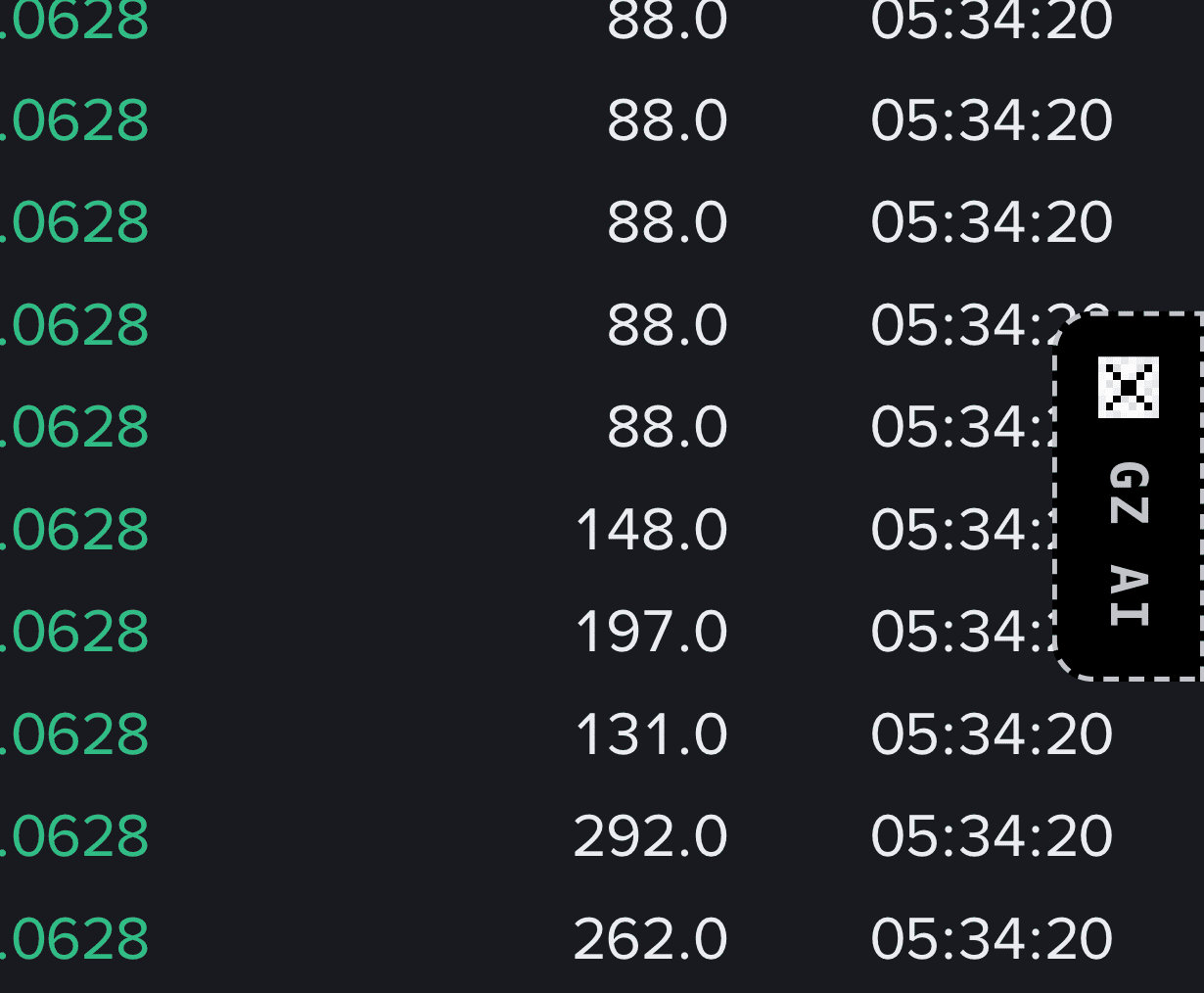
Navigate to any supported exchange's trading page. A GZ AI tab button will appear automatically — click it to open the analysis sidebar.
One-Click Analysis
Choose a preset analysis like Cabal insights or stop-loss levels, or type a custom question. GZAI captures your chart and delivers AI-powered analysis instantly.